Recommended Reading
9 Minutes
Secure Logging: What Not to Log and How to Do It Safely
Fix Bugs Faster! Log Collection Made Easy
Secure logging is the practice of recording enough information to debug an application without exposing passwords, tokens, payment details, or Personally identifiable information (PII).
In practice, this translates into three distinct but important rules for your day-to-day debugging work:
- Keep secrets out of logs.
- Use log masking or log redaction for sensitive data.
- Collect only the information you actually need.
This guide gives you the tools to apply these rules consistently and comprehensively. You’ll learn what not to log, how to keep PII out of your logs, and how to meet common logging compliance requirements.
What not to log: sensitive data to keep out
Some data is simply too sensitive to write to a log. The categories below should never appear in plain text, on any platform.
| Never log this | What could happen if it is logged |
|---|---|
| Passwords and API secrets | A leaked credential can compromise user accounts, internal systems, or third-party services. |
| Access tokens and session cookies | Attackers can replay them to impersonate authenticated users without knowing their password. |
| Personally identifiable information | Names, emails, phone numbers, and government IDs can lead to privacy breaches, identity theft, and regulatory violations. |
| Payment and financial data | Card numbers, CVVs, and bank details can enable fraud and create PCI DSS compliance issues. |
| Health information | Medical records or other health data can expose highly sensitive personal information and trigger HIPAA or other healthcare compliance obligations. |
Should you ever log passwords?
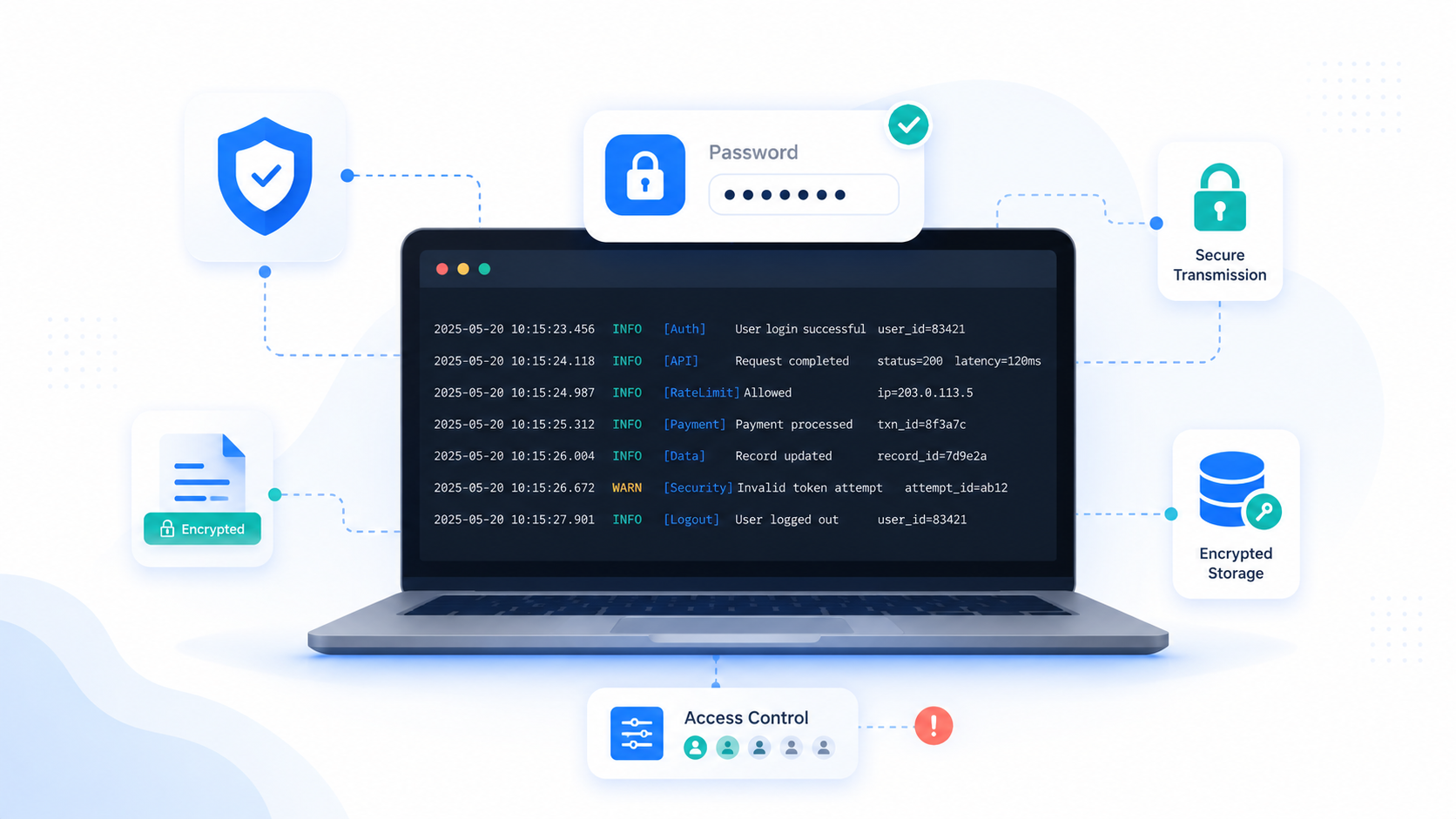
No. Passwords should never be written to application logs, even temporarily or in development environments. Passwords contained in logs could be accidentally exposed to testers, support teams or third-party services as well as malicious actors. Logging passwords will also likely breach the General Data Protection Regulation (GDPR).
If you need to verify an authentication attempt, log only whether it succeeded or failed. Never log the password itself.
How sensitive data spreads through logs
Logging a sensitive value rarely creates just one copy. Logs are often exported, shared, retained, and processed across multiple systems:
- Support tickets: Developers paste log entries into bug reports where more people can access them.
- Chat and email: Shared log files move private data outside the original system.
- Long-term storage: Old entries may remain accessible long after they are useful.
- Third-party platforms: External logging services introduce another system that stores and processes the data.
Each additional copy increases the potential impact of an exposure.
Depending on the data involved, the consequences can include account takeover, regulatory penalties, credential rotation, incident-response costs, and loss of customer trust.
Preventing sensitive data from entering the logging pipeline is safer than trying to find and remove every copy afterward.
How to log sensitive data safely
Keeping sensitive data out of your logs doesn’t mean sacrificing useful debugging information. In most cases, you can simply replace the original value with a safer representation that still lets you diagnose production issues.
The two most common techniques are log masking (or redaction) and hashing. Each solves a different problem.
Use log masking or redaction for sensitive data
Log masking hides part of a value while preserving enough context for debugging. Log redaction removes the value entirely. Both help prevent sensitive information such as PII, payment details, and authentication tokens from appearing in your logs.
As a general rule:
- Mask values when partial visibility is useful for debugging.
- Redact values that should never be visible under any circumstances.
For example:
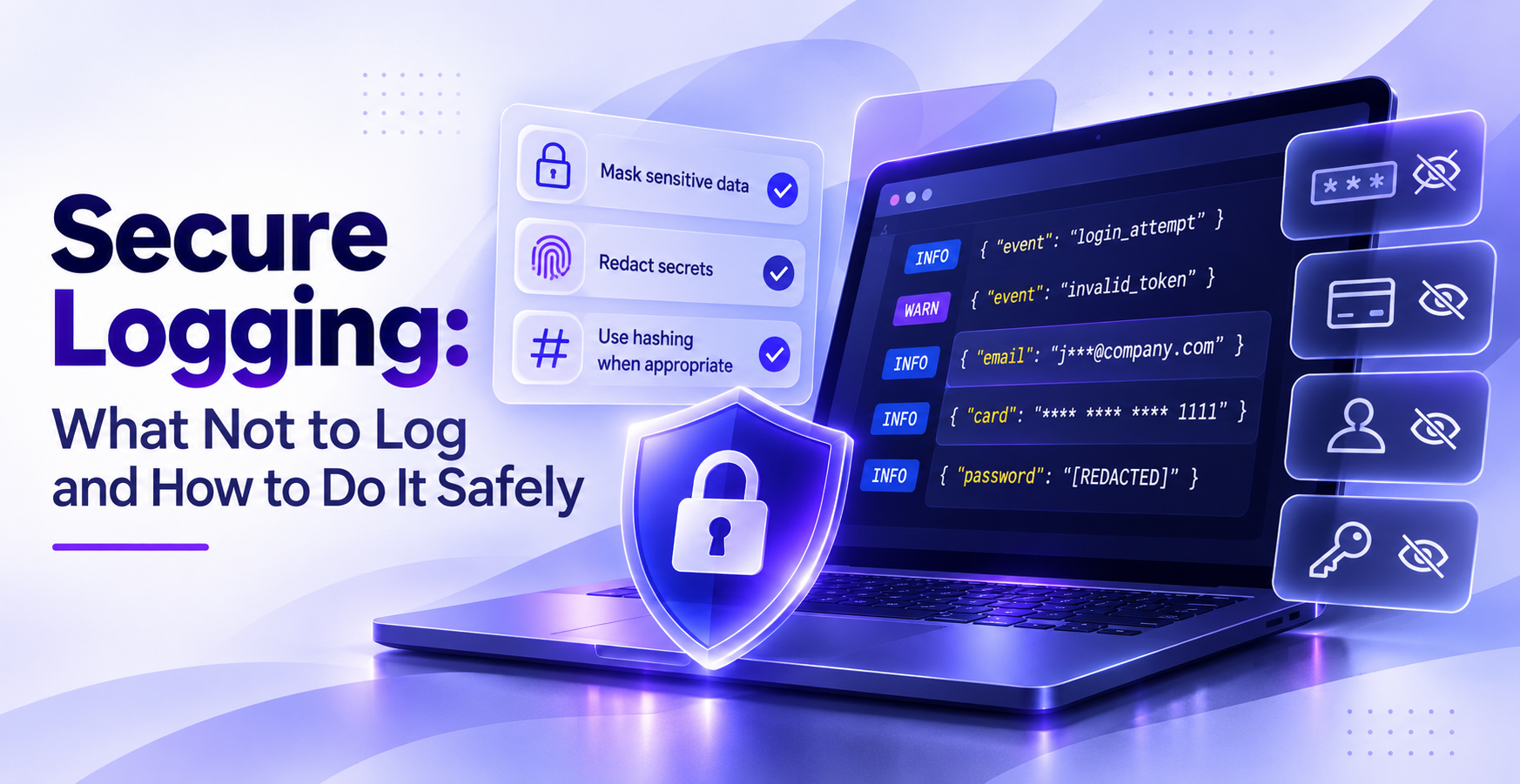
Email: j***@company.com
Card: **** **** **** 1111
Password: [REDACTED]
Access Token: [REDACTED]
When fixing issues at Bugfender, we’ve found it’s always best to apply masking or redaction before data is written to a log file or sent to a remote logging service. Filtering logs afterward still leaves the original value exposed somewhere in your logging pipeline.
Log a hash instead of the original value
Sometimes you do not need to read a value; you simply need to verify that it is correct. For example, you may want to confirm that a client stored the expected API token or generated the right secret without writing that secret to the log.
When you get cases like this, hash the value before logging it and store only the resulting digest:
Secret on client: "some secret"

Logged digest:
4a4184feb9301962444895ac72e15cc17a73b82b
During debugging, hash the value you expect using the same algorithm and compare it with the logged digest. If the two hashes match, the client had the correct value and the original secret never appeared in the log.
Remember though: ashing is absolutely not encryption. It is a one-way verification method, so you cannot use the digest to recover the original value later.
When hashing is not appropriate
Hashing is only safe for values that attackers cannot realistically guess.
Avoid using it for:
- Common passwords
- Four- or six-digit PINs
- One-time verification codes
- Small sets of predictable values
Given enough guesses, an attacker can hash likely inputs until one matches the logged digest. That’s exactly how password cracking works.
We’d recommend you only deploy hashing on high-entropy values such as randomly generated secrets, API tokens, or other values that cannot be practically guessed.
Common secure logging mistakes to avoid
Most log leaks are not exotic attacks. They occur due to lazy logging practices that can be easily be avoided. When you know them, you can easily catch them in review.
- Logging full request or response bodies: A blanket dump of an HTTP payload quietly captures tokens, PII, and card data you never meant to record.
- Trusting error objects: Exceptions and stack traces often embed the offending value, so a logged error can leak the exact secret that caused it.
- Masking too late: Stripping fields after they reach a file means the raw value already hit disk. Mask at the source instead.
- Logging PII to correlate users: Storing names or email addresses may feel convenient, but it creates unnecessary privacy and compliance risk. Use an assigned user or transaction ID instead.
- Hashing guessable values: Hashing a four-digit PIN or common password is trivially reversible by brute force.
- Ignoring third-party log sinks: Shipping output to an external service moves sensitive data onto infrastructure you do not fully control.
Logging compliance: GDPR, PCI DSS, and HIPAA
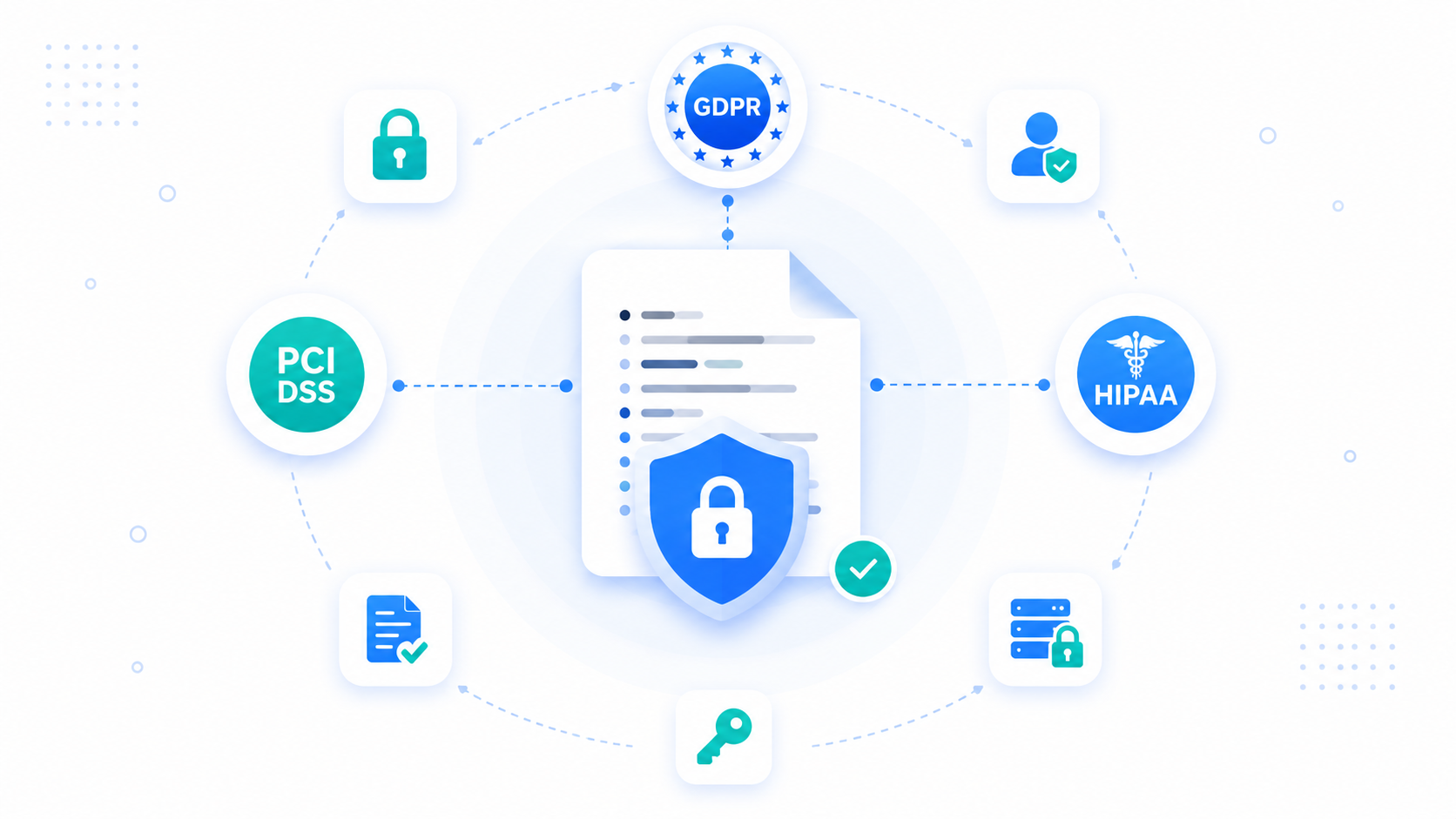
Logging compliance requirements vary by industry and jurisdiction. GDPR, PCI DSS, and HIPAA each govern different types of data and require different safeguards, so their requirements are not interchangeable.
| Regulation | What it requires of you |
|---|---|
| GDPR | Minimize personal data in logs and support applicable access, retention, and erasure obligations |
| PCI DSS | Record and review security-relevant activity affecting cardholder data and protect audit logs from unauthorized access |
| HIPAA | Apply administrative, physical, and technical safeguards to logs containing ePHI |
GDPR logging and personal data in logs
The GDPR, introduced in 2016, is arguably the most significant data protection regulation in history. It treats personal data in logs the same way as personal data stored elsewhere, which means you need a valid reason to collect it and safeguards to control how it is used.
GDPR-compliant logging comes down to these six guidelines:
- Minimize personal data: Collect only the information you actually need for debugging, security, or operations.
- Use a lawful basis: Document why personal data is being processed in your logs.
- Limit retention: Keep logs only as long as they remain necessary.
- Support data-subject rights: Make it possible to locate and remove personal data when an applicable request is made.
- Treat IP addresses as personal data: IP addresses and similar identifiers may qualify as personal data, so remember to mask or avoid logging them where possible.
- Restrict access: Allow only authorized people to view logs containing personal information.
Remember: The simplest way to reduce GDPR risk is to keep unnecessary PII out of logs from the start.
PCI DSS logging requirements
The Payment Card Industry Data Security Standard (PCI DSS) follows in the footsteps of GDPR by imposing strict controls on payment card data. This global standard goes beyond full card numbers or CVVs: its distinct requirement is that access to any log-touching cardholder data is itself logged and reviewable.
To meet PCI DSS, you need to remember the following:
- Keep card data out: Never write full PANs or authentication data like CVVs to a log.
- Restrict log access: Limit who can read logs that touch cardholder data.
- Maintain audit trails: Record security-relevant activity so investigators can determine who did what, where, when, and how.
HIPAA logging requirements
The Health Insurance Portability and Accountability Act (HIPAA) is a U.S.-specific law protecting health information. It places the strongest emphasis on administrative, physical, and technical safeguards: any log that could contain health data needs both technical protection and documented process behind it. To comply:
- Keep health fields out: Exclude health information from general application logs entirely.
- Protect and control access: Use appropriate access controls, audit controls, transmission safeguards, and encryption or equivalent measures based on your risk assessment.
- Document the process: HIPAA requires organizational controls, so the safeguards must be written and enforced, not just coded.
How to collect logs securely from real devices
The hardest logs to handle safely are the ones from real user devices, because they travel over the network and land in a service you need to trust. If those logs carry sensitive data, every step in that journey is a risk.
This is where a secure remote logging tool matters. Our own solution, Bugfender, is built to keep that data controlled end to end:
- Encrypted in transit: Logs are encrypted between the device and Bugfender’s servers, so they cannot be read in flight.
- Private by default: Log data is visible only to authorized users on your account.
- ISO 27001 certified: Log handling follows an audited information-security standard.
Collect production logs while keeping sensitive data out of your logging pipeline. Start free and see your first device logs in minutes.**
Frequently asked questions
Should production logs contain sensitive data?
No. Production logs should contain only the information needed to diagnose an issue. Passwords, access tokens, session cookies, payment details, and health information should be excluded entirely. Use internal identifiers, masked values, or redacted fields when some context is still required.
Can application logs contain PII?
They can, but logging PII creates additional privacy, access-control, retention, and deletion obligations. Keeping PII out of logs wherever possible is safer. Use an internal user or transaction ID instead.
Can you log data and stay GDPR compliant?
Yes, provided you have a lawful basis for processing it, restrict access, define an appropriate retention period, and can locate and delete personal data when required. Avoiding unnecessary personal data in logs makes those obligations easier to manage.
How do you remove sensitive data from existing logs?
Identify every location where the data was stored or exported, then delete or overwrite the affected entries where possible. Review backups, support tickets, shared files, and third-party logging platforms as well.
After cleanup, fix the source by adding filtering, masking, or redaction before the data enters the logging pipeline.
How long should application logs be retained?
Keep logs only as long as they remain useful for debugging, security monitoring, or compliance. The appropriate period depends on your application and legal requirements, but shorter retention reduces both storage costs and the impact of a potential exposure.
Should logs be encrypted?
Logs should be encrypted in transit and at rest, especially when they may contain user, device, health, or payment-related information. Encryption does not make it safe to log secrets, but it adds protection against unauthorized access.
Expect The Unexpected!
Debug Faster With Bugfender

Aleix Ventayol
Aleix Ventayol is CEO and co-founder of Bugfender, with 20 years' experience building apps and solutions for clients like AVG, Qustodio, Primavera Sound and Levi's. As a former CTO and full-stack developer, Aleix is passionate about building tools that solve the real problems of app development and help teams build better software.