6 Minutes
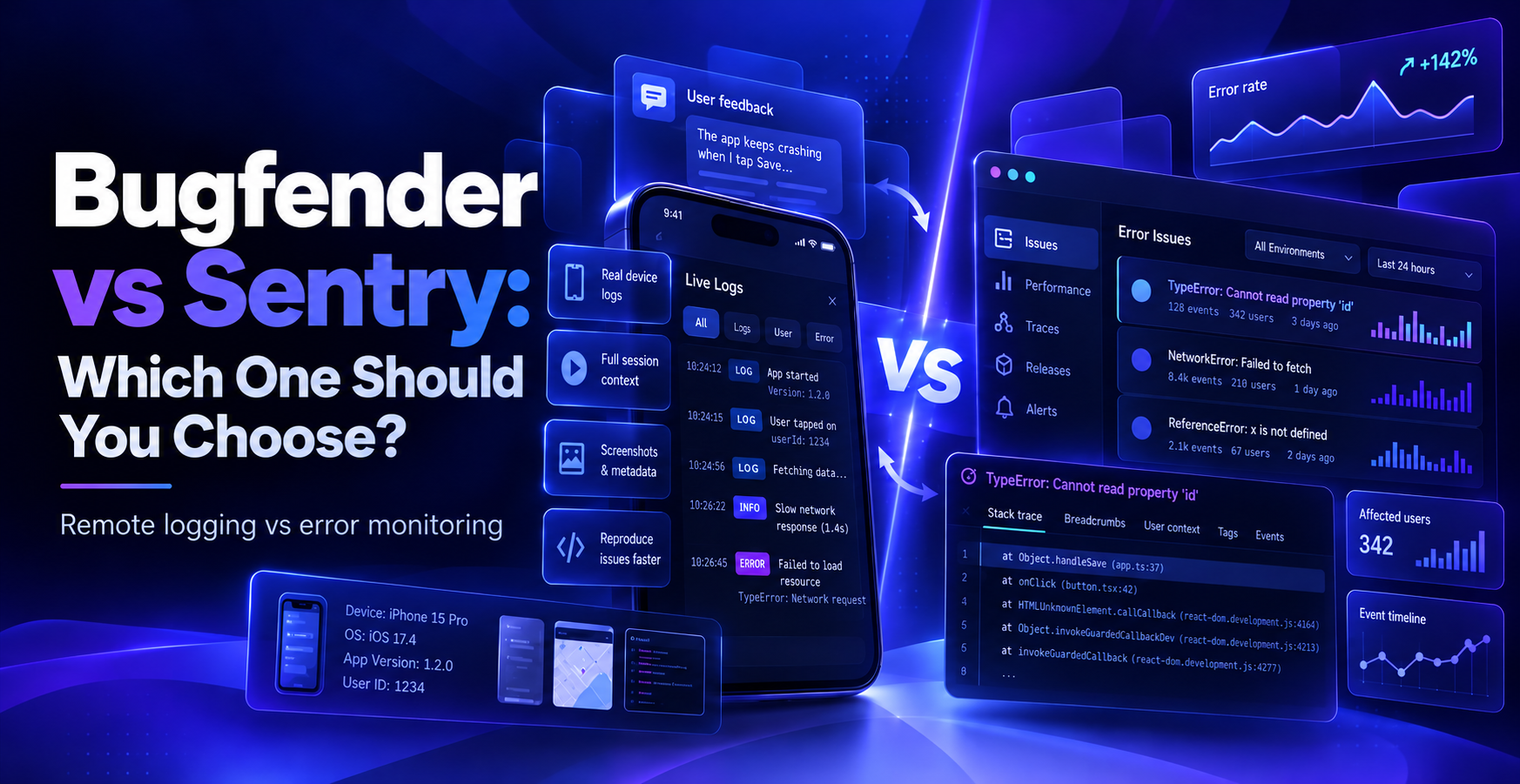
Bugfender vs Sentry: Which One Should You Choose?
Fix Bugs Faster! Log Collection Made Easy
Bugfender and Sentry both help software development teams catch problems in production, but they solve different parts of the same problem. Bugfender is a mobile-first, holistic logging solution while Sentry is a multi-platform, crash-specific solution.
Lots of readers will be wondering which is better, so we’re going to do our best to answer the question. Obviously we have a natural bias, but we’ll try to keep the comparison as neutral as possible by showing you:
- What each tool does well, covering their actual strengths, not just marketing claims (we know developers hate marketing. We’re devs ourselves).
- Where they genuinely differ, from the prices you’ll pay to the bugs you’ll catch.
- When it makes sense to use both together, rather than picking just one.
What to look for in an error and log monitoring tool
An efficient error and log monitoring tool should give you a mix of comprehensive visibility, platform versatility and smooth compliance with data regulations. Look for these three attributes when making your selection.
- Full session logs vs error-only events: Some tools only capture the error. Others capture the full session leading up to it. This is particularly useful for bugs that never throw any discernible error, like a UI freeze or a silent state issue.
- Ease of setup and integration: Too many tools need source maps, release tracking, and framework-specific configuration before they’re useful. The best tools should be up and running quickly, so it can start protecting your apps.
- Data privacy practices: Check whether the tool uses your users’ data for anything beyond debugging. This matters more the more sensitive your app’s data is.
Bugfender overview
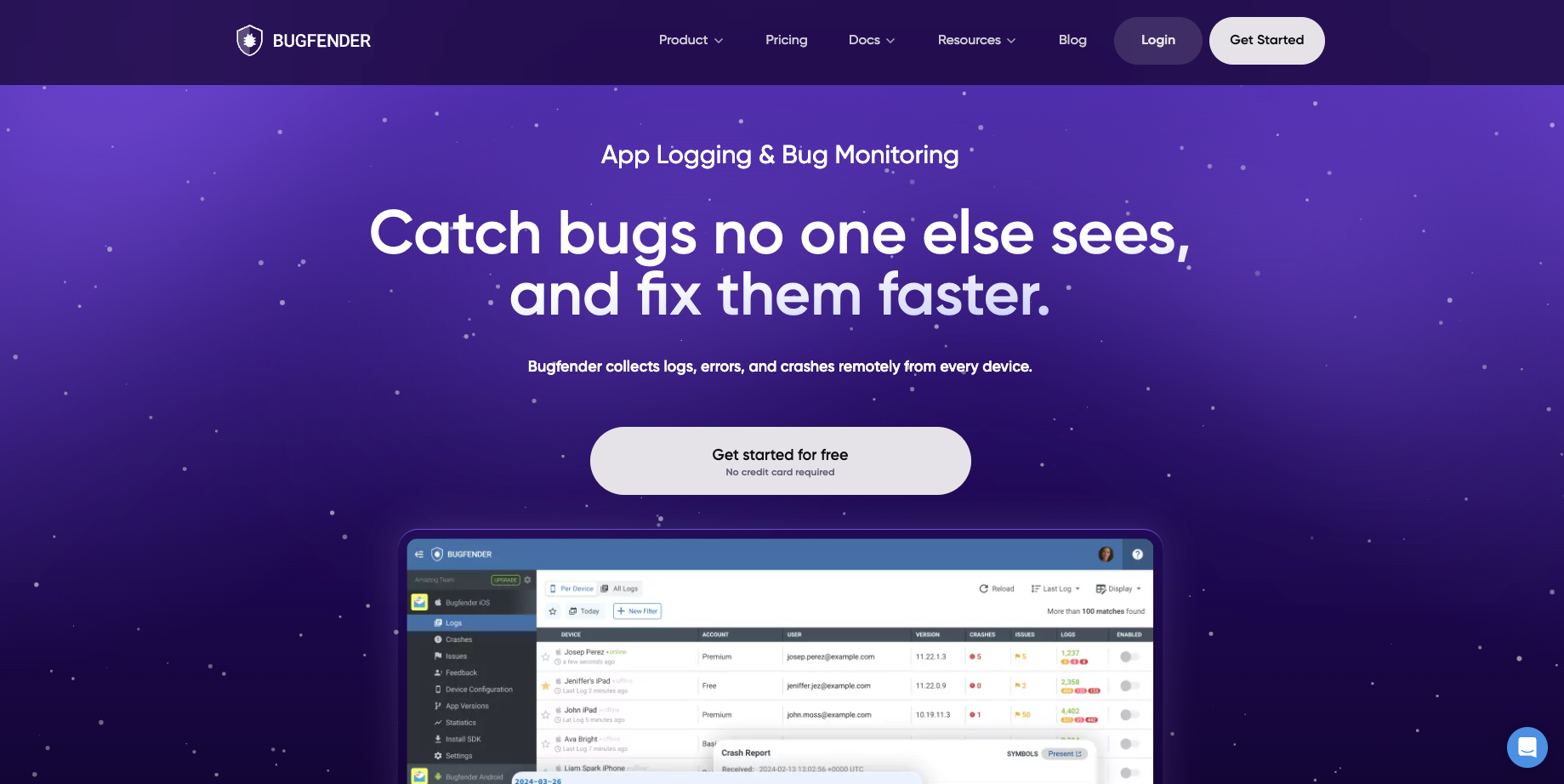
Bugfender is a device-centric remote logging and crash reporting tool for mobile and frontend apps.
The crucial thing here is that Bugfender doesn’t wait for an error to be thrown. Instead, it brings your app’s full logs to you from wherever your users are, whether the app is crashing or just quietly misbehaving.
Key features of Bugfender
- Remote logging: Captures the full log stream from real user devices, so you can see what actually happened rather than trying to reproduce locally or relying on emulators.
- Crash reporting: Automatically gathers the stack trace, the logs and interactions leading up to a crash, and complete device information, including OS version, device model, and available memory.
- In-app user feedback: Lets users report bugs or feedback directly from the app, with device info, app version, and logs attached automatically.
- AI agent access via MCP: Gives AI coding tools like Cursor, Claude Code, Codex, and Gemini CLI direct read access to logs, crashes, issues, and network data, so an agent can investigate a bug without you pasting stack traces manually.
- Mobile-first SDK: Built to minimize intrusion, works offline, and installs in under five minutes across iOS, Android, React Native, React, Angular, Flutter, and other platforms.
- Clear data privacy stance: States plainly that customer data belongs to the customer, isn’t sold to third parties, and isn’t used to target users with ads or trackers.
Sentry overview
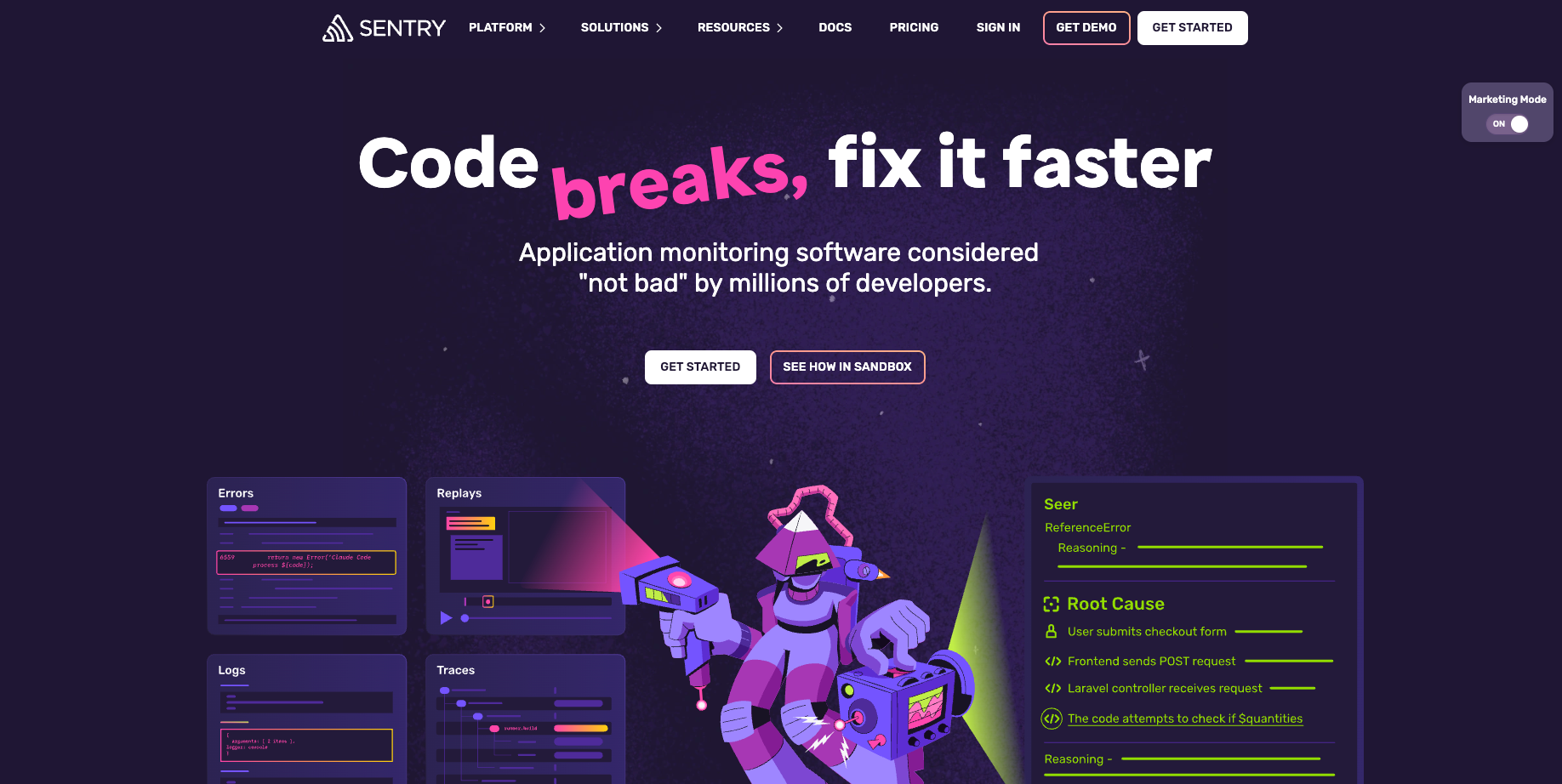
Sentry is an application monitoring platform that captures errors, logs, traces, replays, profiles, and metrics.
While Bugfender provides holistic logging information, Sentry focuses on the moment something breaks. An error is captured, grouped, and connected through distributed tracing to everything else happening around it, so you can debug with full context.
Key features
- Issue tracking: Automatically captures unhandled exceptions and groups similar errors into issues. Suspect commits point to the code change that likely caused the problem.
- Full-context debugging. An error links to the logs around it, while a trace shows the full request path across services. Replays show what the user actually experienced, and profiles show which functions were slow.
- Broad platform support: Covers 100+ platforms and frameworks across frontend, backend, and mobile.
- AI-assisted analysis: Sentry’s Seer Agent explains why code failed, generates merge-ready fixes and catches regressions before they merge
- Monitoring and alerts: Sentry’s Cron system monitors for scheduled jobs, uptime monitoring for endpoints, and alerts that route to Slack, PagerDuty, or your issue tracker.
Key differences between Bugfender and Sentry
| Bugfender | Sentry |
|---|---|
| Logs the full session from real devices, so you see what led up to a problem, not just the problem itself | Captures the error event itself, connected to logs, traces, replays, and profiles for full context |
| Device-centric by design, built mobile-first with support for iOS, Android, and major frontend frameworks | Platform-broad, supporting 100+ frameworks across frontend, backend, and mobile |
| Includes in-app user feedback collection as a core feature | Includes user feedback linked to errors, replays, and tags |
| Offers direct AI agent access to raw account data through an MCP server | Offers AI-assisted analysis and autofixes through its own Seer Agent |
| States a clear no-data-selling, no-ad-targeting policy on customer data | Focused on developer tooling; data handling is governed by its own enterprise terms |
When to choose Sentry
- You need broad platform coverage across 100+ frameworks, including backend and AI pipeline monitoring.
- You want tracing, session replay, profiling, and AI-assisted root cause analysis in a single connected platform.
- Your team already runs an error-first triage workflow and wants deep issue grouping.
When to choose Bugfender
- You’re debugging mobile or frontend issues that are hard to reproduce, especially ones that don’t throw a clean error.
- You want your AI coding agent to investigate bugs directly using real account data, without manual copy-pasting.
- You want a straightforward, mobile-first setup with minimal app impact and offline support.
- Data privacy is a priority, and you want a vendor that states plainly it won’t use your customers’ data for anything else.
Can you use Bugfender and Sentry together?
Yes, and it’s a reasonable setup for some teams:
- Sentry flags and groups the error itself.
- Bugfender shows what a specific user’s device was doing before, during, and after the issue, plus any in-app feedback they left.
Used together, Sentry tells you something broke, and Bugfender’s logs are often the first place you look to understand why.
Try Bugfender for yourself
If device-centric logs, straightforward setup, and direct AI agent access sound like what you need, the fastest way to find out is to try it.
Create your free Bugfender account and start capturing real device logs in minutes.
Frequently Asked Questions
Is Bugfender a good alternative to Sentry?
It depends on what you need most. If you want broad platform coverage, tracing, and AI-driven root cause analysis across a large stack, Sentry is built for that. If you need device-centric logs, in-app feedback, and direct AI agent access to your debugging data for mobile and frontend apps, Bugfender is the better fit.
Which tool is better for mobile apps?
Bugfender is built device-first, with a mobile-first SDK designed to minimize intrusion and work offline. Sentry supports mobile too, as part of its 100+ platform coverage, but its core strength is breadth across frontend, backend, and mobile together rather than mobile-specific depth.
Which tool is easier to set up?
Both offer SDK-based installs. Bugfender’s setup is built to take under five minutes across supported platforms. Sentry’s setup can also be quick for a single platform, but configuring its full feature set, tracing, replay, profiling, can take more time depending on how much of the platform you plan to use.
Does using Bugfender mean giving up Sentry’s AI-assisted analysis?
No, they’re not mutually exclusive. Sentry’s Seer Agent works on the errors Sentry captures, while Bugfender’s MCP server gives your own AI coding agent access to device logs and crash data. Teams running both get AI assistance on each side of the workflow.
Expect The Unexpected!
Debug Faster With Bugfender

Aleix Ventayol
Aleix Ventayol is CEO and co-founder of Bugfender, with 20 years' experience building apps and solutions for clients like AVG, Qustodio, Primavera Sound and Levi's. As a former CTO and full-stack developer, Aleix is passionate about building tools that solve the real problems of app development and help teams build better software.